
Author: Danny Hall

  • Roastmaster iOS 26

    Roastmaster iOS 26

    The Biggest Update We’ve Ever Issued

    This update has been a long time coming for many disparate reasons, not the least of which is its sheer size.

    Roastmaster’s goal was never just roast profiling, but rather helping roasters assimilate all of their coffee-related data into working knowledge that enables them to mold, grow and evolve their craft and business in meaningful ways.

    The Final Keystone

    The reason we use the words “Integrated” and “Gestalt” is because they fit the mission of Roastmaster. Only an integrated software package can show how all the different parts of your roasting work together to shape the final product.

    This update is about tying it all together…giving a dedicated space packed with tools to help you analyze, inspect, compile, categorize, deconstruct, and more importantly…plan.

    That may be planning your inventory, purchases, prices, profiles or signature blends. Or, it may be planning evolutions to your workflow, business model or roasting structure.

    Whatever, the goal…it’s takes a deep understanding of your workflow and data to accomplish it. And this, more than anything, is what fulfills the promise of “Gestalt”…an understanding that is greater than the sum of its parts.
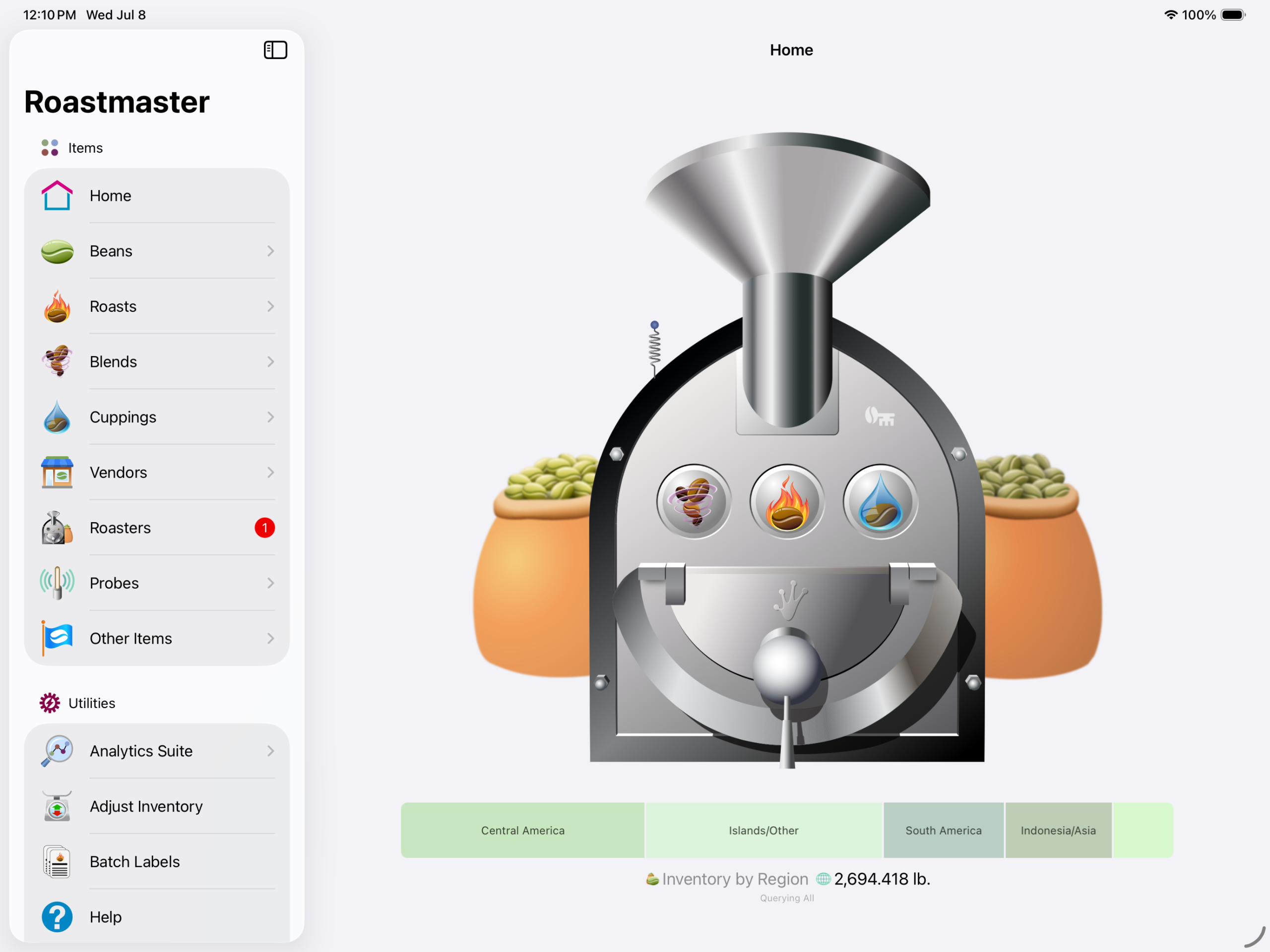
    New in Roastmaster iOS 26

    General

    iOS 26 Support

    Freemium Pricing Model

    Analytics Suite

    Bug Fixes

    Discontinued support for BlueTherm Duo
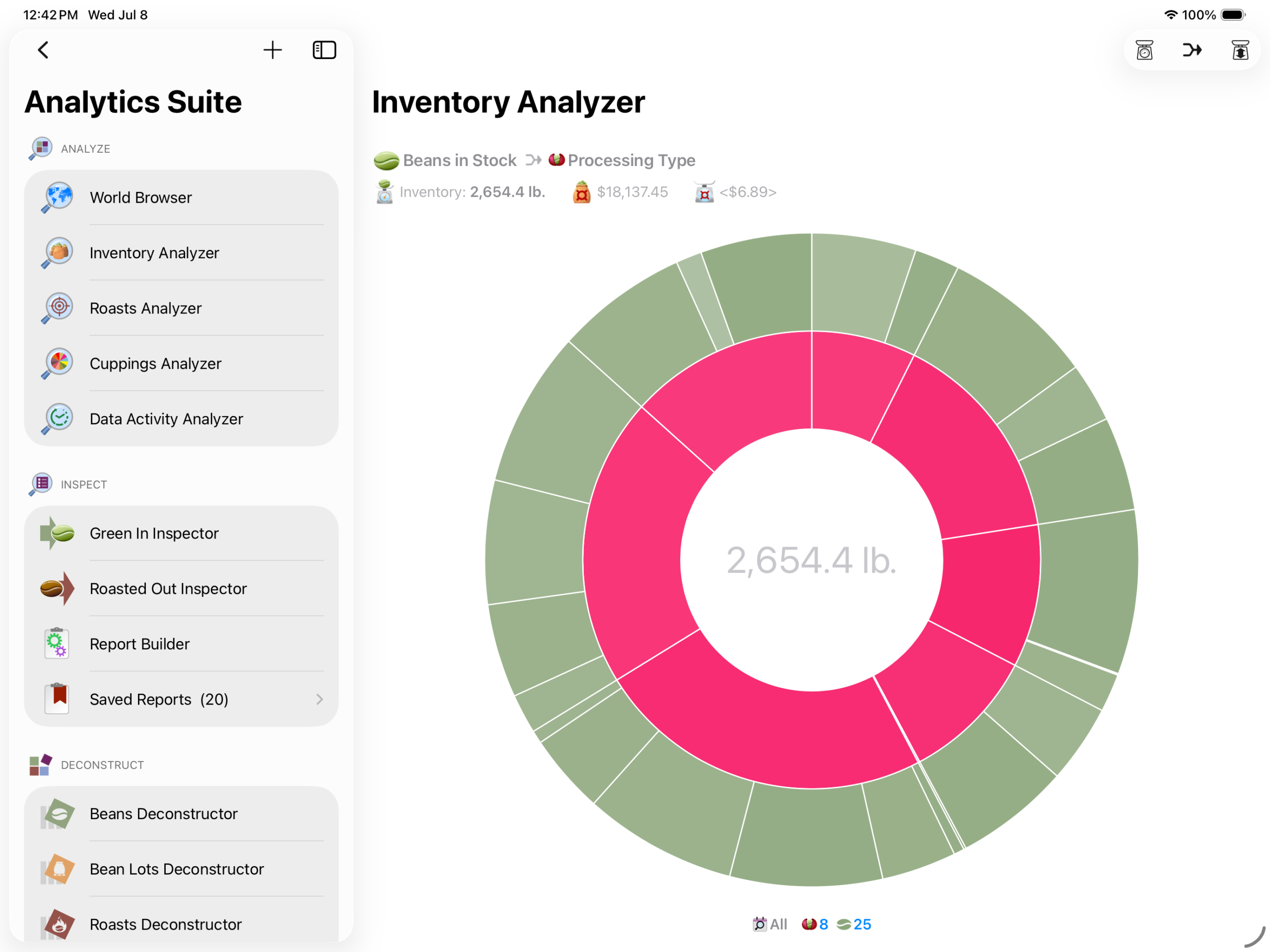
    Productivity

    Faster Data Engine

    Window Support

    Smarter Item Creation

    Global App Menu

    Contextual Menus

    Key Commands

    Streamlined Toolbars
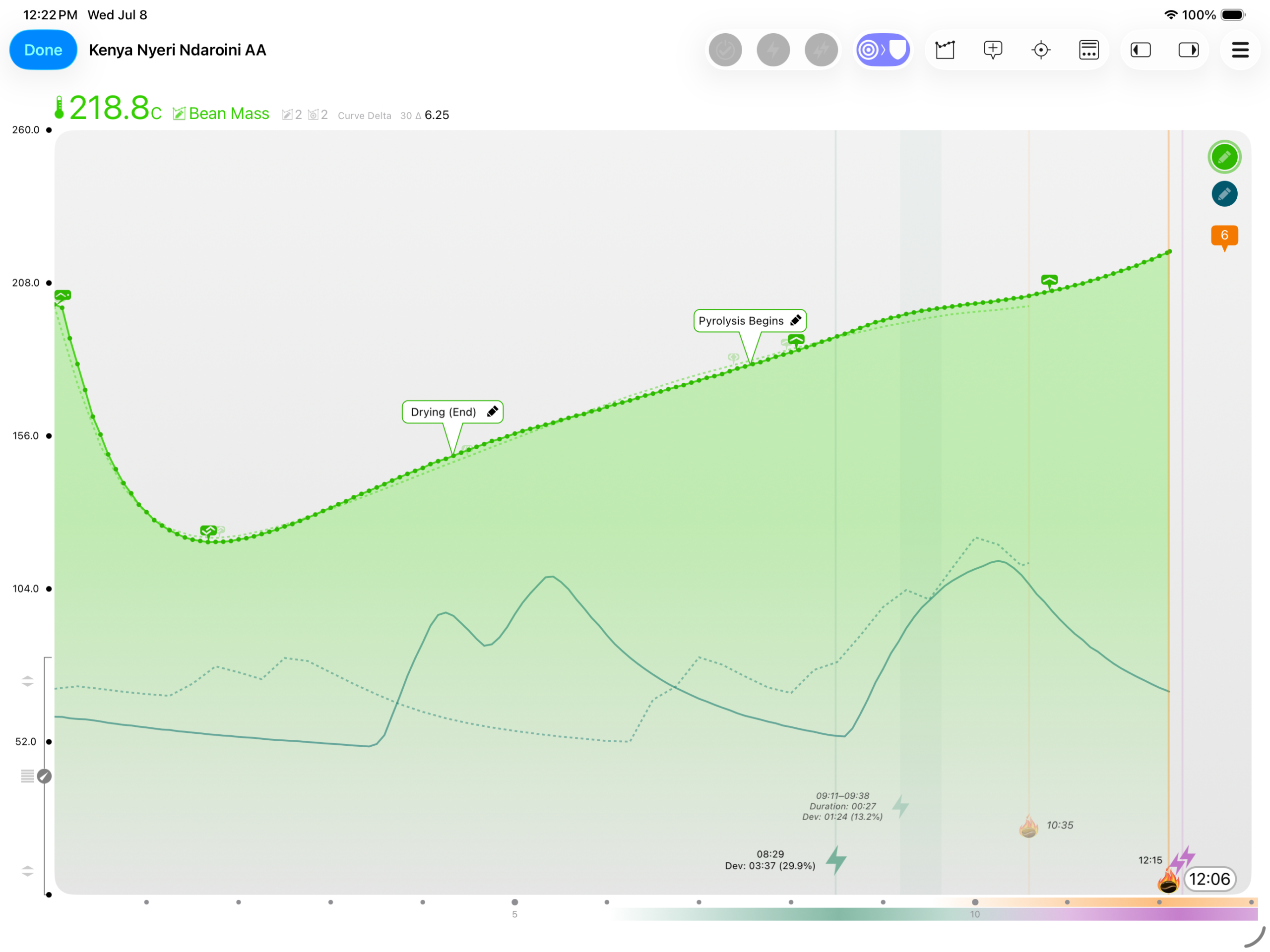
    Analyze

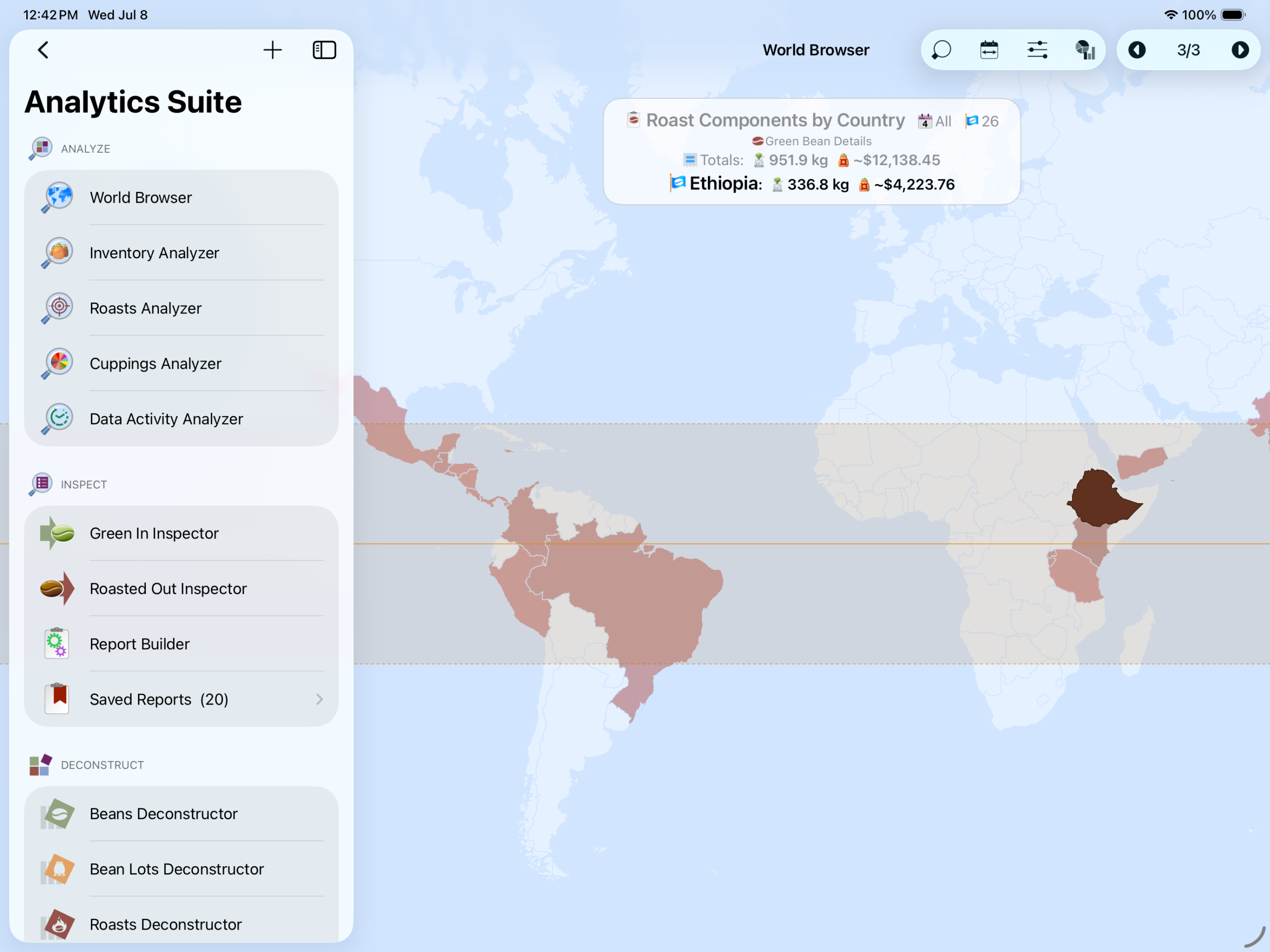
    World Browser

    Inventory Analyzer

    Roasts Analyzer

    Cuppings Analyzer

    Data Activity Analyzer
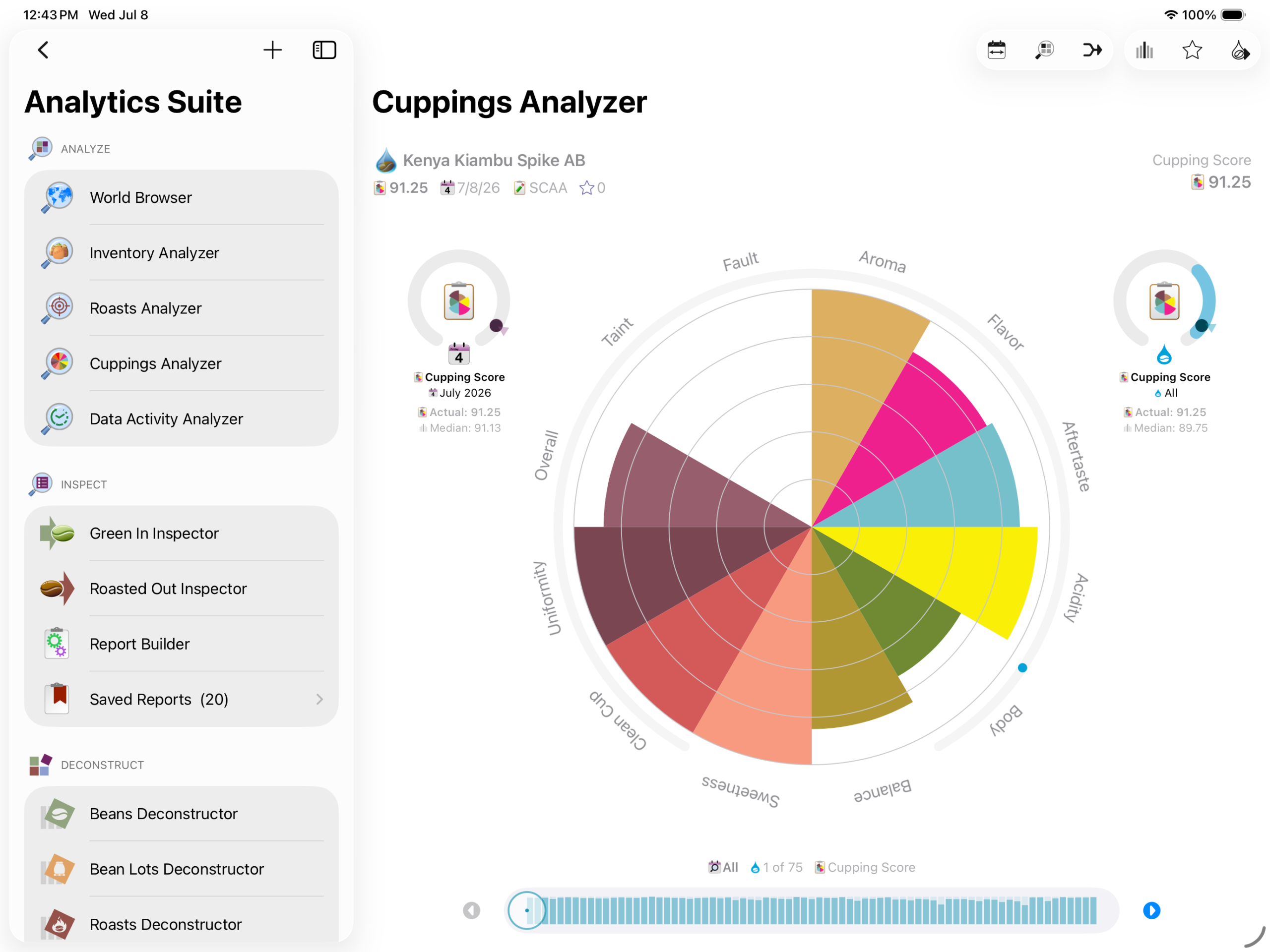
    Inspect

    Green In Inspector

    Roasted Out Inspector

    Report Builder

    Save Unlimited Custom Reports

    20 Default Auditing Reports
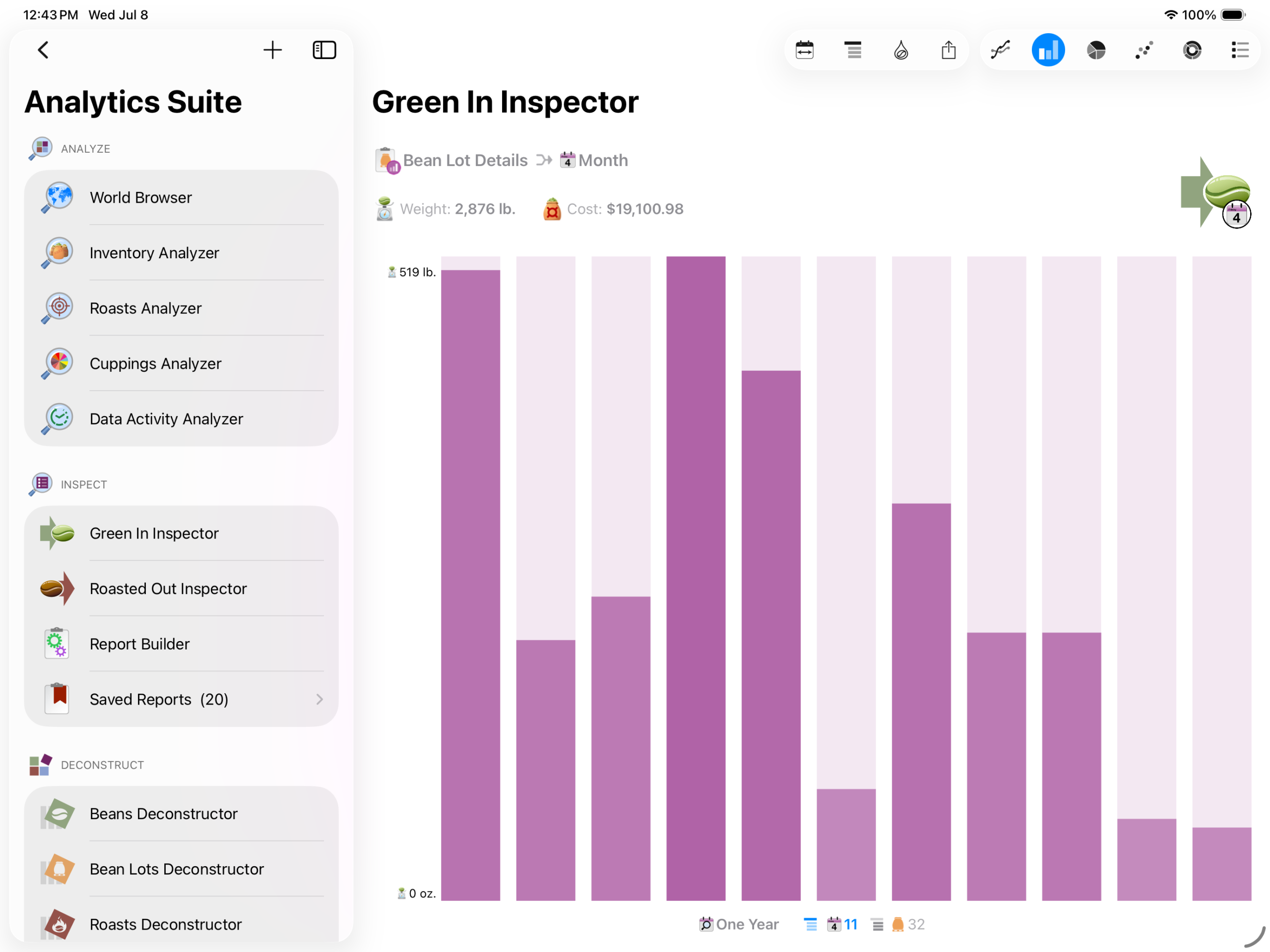
    Deconstruct

    Beans Deconstructor

    Bean Lots Deconstructor

    Roasts Deconstructor

    Blends Deconstructor

    Cuppings Deconstructor
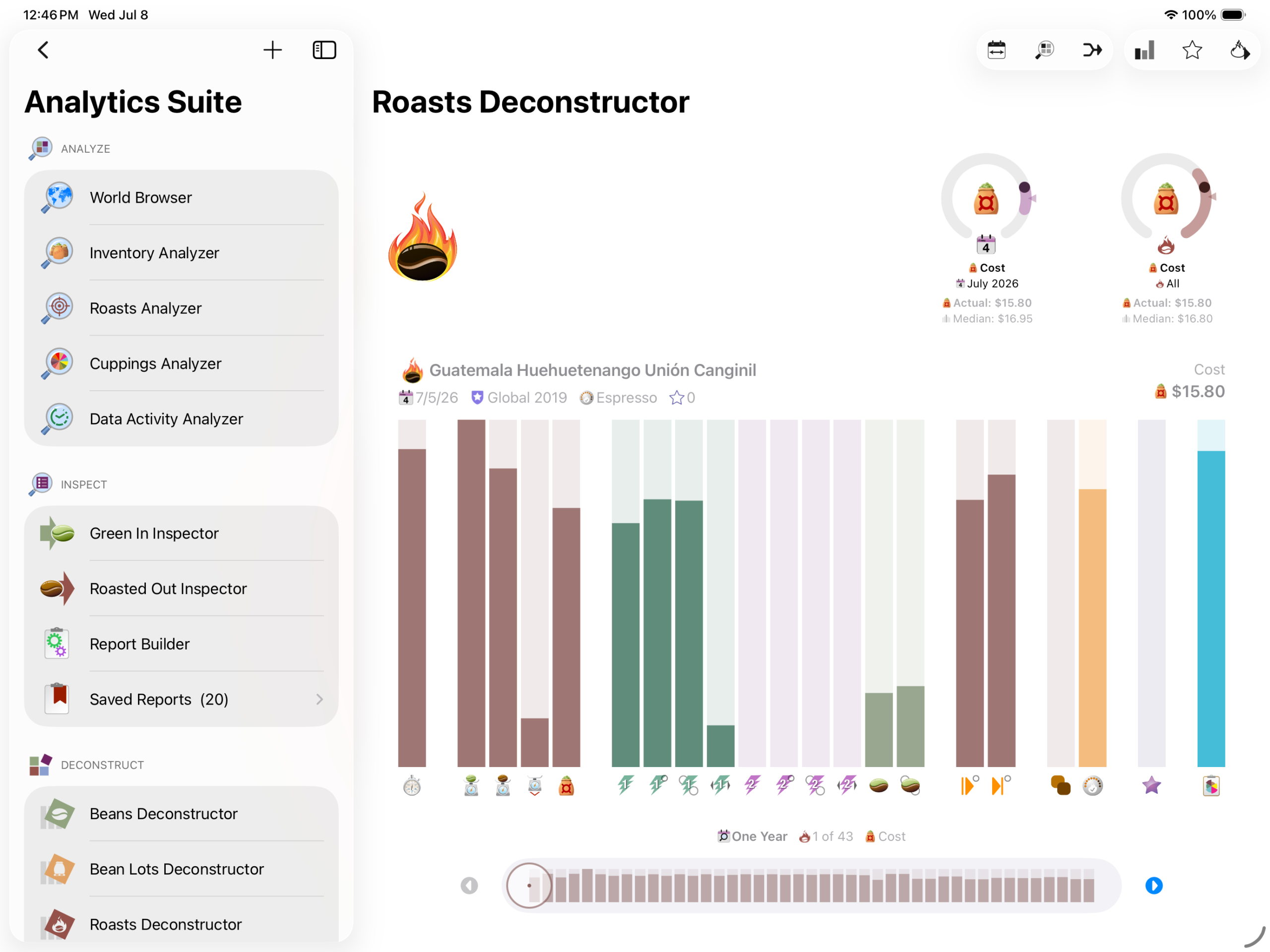
    Data Visualization

    Interactive World Map

    Histogram Data Locators

    Range Visualizers

    Itemizations

    Bar Charts

    Line Charts

    Pie Charts

    Scatter Graphs

    Tiered Pie Charts

    Radial Graphs
  • Growing Sustainably

    Growing Sustainably

    For 16 years, Roastmaster has been growing alongside coffee lovers everywhere.

    But just like coffee farming, software growth depends on sustainability. To ensure Roastmaster can continue to thrive, we’re moving to a subscription model in Roastmaster for iOS 26.

    Your subscription helps us expand the powerful tools Roastmaster is known for while introducing new features and innovations. It enables us to continue creating for the coffee community we love. In short, it sustains future growth.

    Freemium Model

    Roastmaster is now free to download and explore. Premium features are available through subscription plans arranged in tiers designed to fit a variety of needs.

    Tier subscriptions are available in either a monthly renewal period, or a discounted yearly renewal period.

    Tailored for You

    Subscription tiers are designed to fit your workflow and use.

    FeatureFreeBasicProPremium
    BeansLimit: 25Limit: 50Limit: 250Unlimited Access
    InventoryLimit: 20 lb.Limit: 200 lb.Limit: 2,000 lb.Unlimited Access
    RoastsLimit: 2 per dayLimit: 5 per dayLimit: 25 per dayUnlimited Access
    BlendsLimit: 10Limit: 50Limit: 100Unlimited Access
    CuppingsLimit: 2 per dayLimit: 5 per dayLimit: 25 per dayUnlimited Access
    AnalyticsNo AccessNo AccessUnlimited AccessUnlimited Access
    ReportsNo AccessNo AccessUnlimited AccessUnlimited Access
    World BrowserNo AccessUnlimited AccessUnlimited AccessUnlimited Access
    Data LoggingNo AccessUnlimited AccessUnlimited AccessUnlimited Access
    DatabasesLimit: 1Limit: 2Limit: 5Unlimited Access
    RoastersLimit: 1Limit: 2Limit: 5Unlimited Access
    ProfilesLimit: 5Limit: 20Limit: 50Unlimited Access
    ProgramsLimit: 5Limit: 20Limit: 50Unlimited Access
    MaintenanceNo AccessNo AccessUnlimited AccessUnlimited Access
    SnapshotsNo AccessUnlimited AccessUnlimited AccessUnlimited Access
    Siri ShortcutsNo AccessNo AccessNo AccessUnlimited Access
    XMLNo AccessNo AccessNo AccessUnlimited Access
    Tab Delimited TextNo AccessNo AccessUnlimited AccessUnlimited Access
    Curve TemplatesNo AccessUnlimited AccessUnlimited AccessUnlimited Access
    Temperature ProjectionNo AccessNo AccessUnlimited AccessUnlimited Access
    Build Roasts by YieldNo AccessNo AccessUnlimited AccessUnlimited Access
    Output LabelsNo AccessUnlimited AccessUnlimited AccessUnlimited Access

    We hope you enjoy the new Roastmaster, and we are looking forward to sustained growth!

  • Delete Items in a List

    Delete Items in a List

    You can delete any item in a list by swiping left on the item you want to delete.

    Many lists, however, also support multiple deletion. In those lists, tap the Edit button to put the list into edit mode. Select each item in the list that you want to delete, then tap the red delete button in the bottom toolbar.

  • Quickly Clear Crack Data in a Roast

    Quickly Clear Crack Data in a Roast

    Sometimes, we might jump the gun when attempting to log crack times during a roast via the first and second crack buttons in the Roast Console or Analyzer.

    To quickly clear this erroneous data, simply hold the First or Second crack button down and Roastmaster will ask which data you want to clear for that particular crack type.

  • Change How Curve Values are Graphed

    Change How Curve Values are Graphed

    Roastmaster provides the ability to change how curve values are graphed in the main Roast Console and Roast Analyzer.

    For universal scales, such as temperature and humidity, navigate to Preferences > Max Graph Values, and enter the desired value for the appropriate scale.

    For curves set to Raw scale, this is set on a Curve by Curve basis. In the Curve details screen, set the “Max Level” field to the appropriate value for that curve.